Clean a Painting Gallery Display & Selling
Turn finished restorations into steady visitor cash.
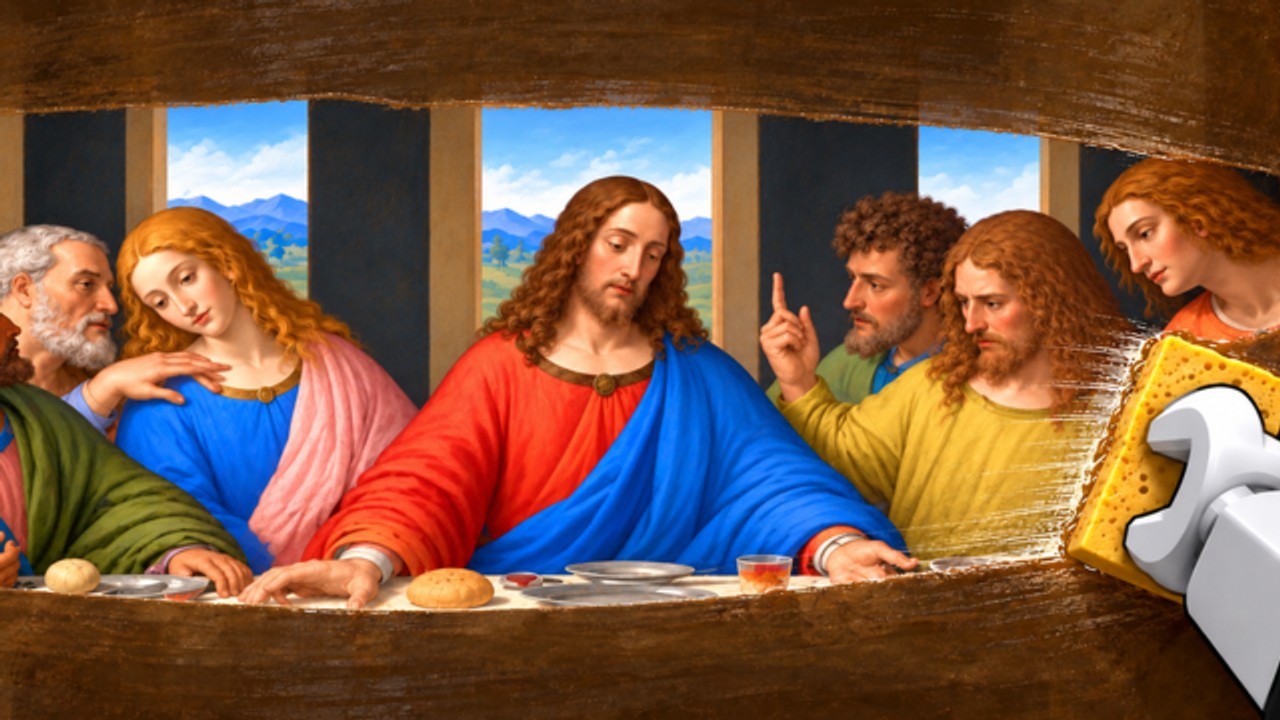
The gallery is the cash register of Clean a Painting. Crates only spend money. The workshop only prepares value. Until a restored painting hangs where visitors can buy it, your progress is theoretical. This guide covers hanging, sale flow, slot turnover, upgrades, and how the gallery fits the dual pipeline from Make Money Fast.
What the gallery does
After a thorough workshop pass (Restoration Tips), you bring art to the gallery and put it on display. Visitors arrive, inspect the work, and purchase based heavily on how clean and complete the piece looks. When the sale finishes, you collect earnings and free the slot for the next painting.
Empty walls are the most expensive mistake in the game. A perfect restore left in inventory might as well still be in the crate.
Hanging checklist
- Confirm the painting is actually finished - no obvious dust patches or unfinished varnish.
- Carry it to the gallery without detouring into another crate binge.
- Use the hang / place prompt on a free display spot.
- Verify it is visible on the wall before you walk away.
- Start the next workshop job immediately.
If you use automation, Auto Hang Cleaned Paintings and Auto Place Best Paintings target these steps. Understand them manually first; read CM Hub only on an alt if you still want toggles.
Visitor sales and patience
You do not fully control when a visitor buys. That uncertainty is why dual-threading matters: gallery wait time should equal workshop productive time. Standing still staring at a hung painting does not make visitors arrive faster in any meaningful way - it only pauses your next restore.
Signs a sale completed:
- Cash increases
- The display slot frees or shows a sold state
- You receive a collect / confirm prompt in some layouts
Clear sold art promptly. A ghost slot you forget to refresh is another empty-wall failure mode.
Managing multiple displays
As you unlock more wall space or upgrade the gallery, you can show more than one piece. Rules of thumb:
- Fill every unlocked slot with your best ready work.
- Do not hang a rushed piece just to “fill space” if a nearly finished strong piece is one minute away - unless all slots are empty (empty is always worse).
- Rotate weak early paintings out once better inventory exists; some players also sell unhung leftovers rather than clutter - autofarms expose that as a toggle, manual players decide case by case.
“Best” means highest expected sale after quality, not whichever canvas you picked up last.
Gallery upgrades vs other spends
Gallery upgrades can improve how quickly or how profitably displays work. They compete with:
- Better crates
- Workshop tools / cleaning comfort
- Saving for a breakpoint purchase
Blind auto-buying every upgrade can stall crate progress. Use the Tier List Hub for S–F style priorities. As a gallery-focused rule: unlock upgrades that fix a real bottleneck (too few slots, slow visitor flow) before cosmetic flex.
Syncing gallery with crates and workshop
Think in loops, not locations:
- If the gallery is full and selling, buy fewer new crates until a slot frees - unless you still need workshop work queued.
- If the gallery is empty, stop crate shopping until something hangs.
- If the workshop is idle while walls are full, that is fine for a moment - use it to claim group rewards, check Updates, or plan the next spend. Idle workshop with empty walls is not fine.
Getting Started maps the rooms; this page owns the sell side of the triangle.
Offline earnings and returning players
Some progression systems pay while you are away. When you rejoin, collect offline earnings before you redesign the whole gallery. Then audit walls: hang finished inventory, scrap or sell junk, and restart the dual pipeline. Forgetting the collect step is free money left on the table - the same category of mistake as unclaimed index rewards.
Multiplayer gallery notes
Up to eight players share a server. Your gallery progress is still yours, but physical crowding happens:
- Leave space at hang prompts.
- Do not camp a doorway.
- Keep chat clear of fake “admin sale multipliers.”
Session etiquette details: Players.
Gallery myths
- “Codes are required to fill walls.” False - and codes are inactive as of November 2026 anyway (Codes).
- “Any hung painting is fine.” Hung junk sells worse and wastes a slot that could hold a careful restore.
- “Watching the painting increases price.” Price comes from restoration quality and game systems, not from your camera angle.
- “Scripts guarantee max sales.” Scripts click faster; they cannot invent quality you never produced.
Related pages
- Make Money Fast - overlap sell waits with restores
- Restoration Tips - raise what visitors pay
- Tier List - upgrade priority
- Guides Hub - full guide index
- Links Hub - official Roblox destinations
Keep a finished painting on the wall whenever you can. The gallery only pays artists who actually show up.
Frequently Asked Questions
Quick answers about crates, restoration, and the gallery.
When should I take a painting to the gallery?
As soon as restoration is thoroughly finished. Do not park completed art in inventory while walls sit empty.
What should I do while waiting for a visitor to buy?
Restore the next painting in the workshop. Waiting in the gallery wastes pipeline time.
Do gallery upgrades matter?
Yes when they fix real bottlenecks like slots or throughput. Rank them against crates and tools using the Tier List.
Should I hang low-quality paintings just to fill space?
Only if every slot is empty. Otherwise prioritize stronger restores so each sale pays better.
Why did my painting sell for less than a friend's?
Restoration quality is the usual reason. Compare workshop thoroughness before blaming gallery luck.