Codes
No active Clean a Painting codes as of 16 Nov 2026. See where drops appear, how redemption works, and how to stay ready for the next wave.
View all CodesCodes, Guides, Scripts
Buy crates, restore art in your workshop, sell in the gallery. Codes, guides, and scripts for Clean a Painting on Roblox.
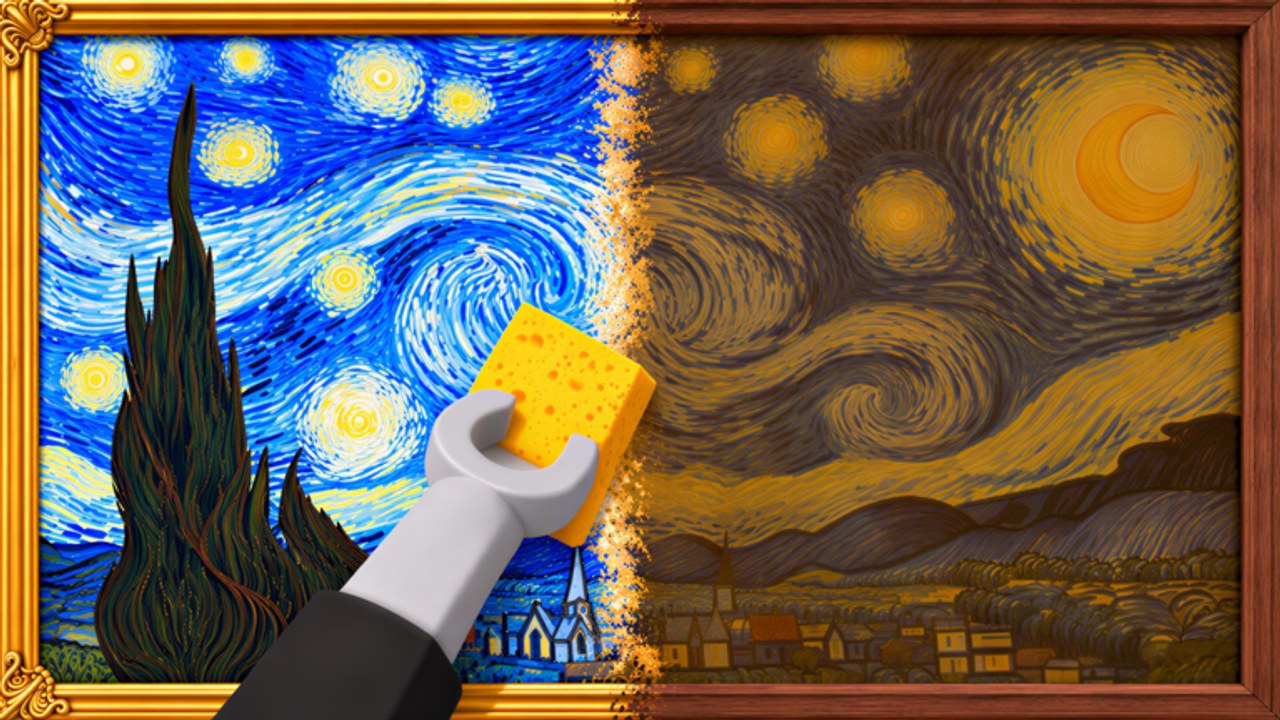
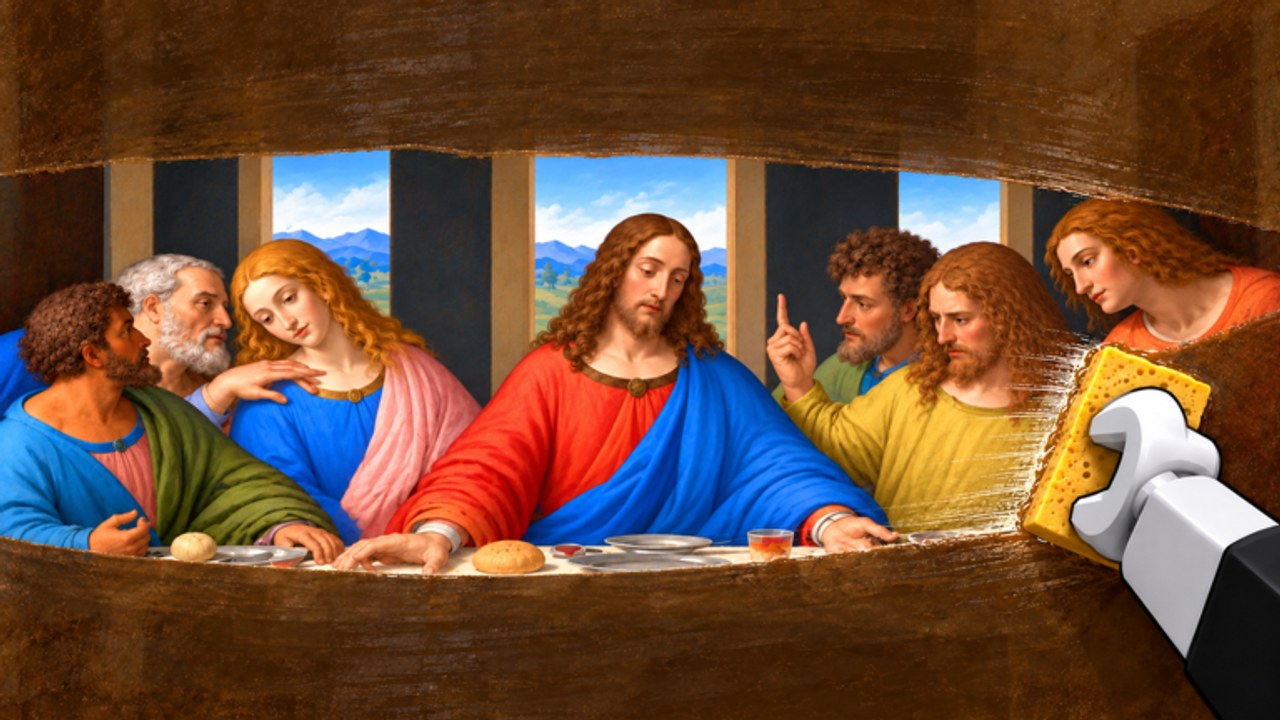
Clean a Painting is a free Roblox simulation tycoon by AURA NUKE (~182k community members). Buy old paintings from crates, restore them in your workshop, then hang them in the gallery so visitors pay you. Up to 8 players share a server; the place sits past 5.4M+ visits as of mid-November 2026. Start with the Getting Started guide, learn controls, redeem codes when they drop, browse working scripts, and check the tier list for crate value. For cash flow, read how to make money, restoration tips, the gallery guide, and upgrades. Curiosity seekers can skim secrets (not a money method). Track updates and community-reported admin parties, see players tips, or open the full wiki index.
No active Clean a Painting codes as of 16 Nov 2026. See where drops appear, how redemption works, and how to stay ready for the next wave.
View all CodesClean a Painting guides hub: beginner walkthrough, restoration tips, money pipeline, gallery advice, upgrades, and secrets in one place.
View all GuidesClean a Painting upgrade tier list: what to buy first among crates, gallery upgrades, and tools so your cash growth stays consistently fast.
View all Tier ListClean a Painting player tips: controls hub link, session rhythm, multiplayer etiquette, and habits that keep your gallery earning steadily.
View all PlayersClean a Painting updates hub: launch on Oct 8 2026, place activity around Nov 14 2026, admin parties page, plus steps to track every change.
View all UpdatesClean a Painting scripts overview: CM Hub features, key system notes, ban risk warnings, and safer habits before you execute anything.
View all ScriptsOfficial Clean a Painting links: Roblox game page, AURA NUKE community (~182k), plus wiki hubs for codes, guides, scripts, and updates.
View all LinksOpen the experience from Roblox, pick a server (up to 8 players), and spawn near the crates. Read the Getting Started guide and skim controls before your first buy.
Spend starter cash on a crate of old paintings. Cheaper crates teach the loop; better crates cost more but sell higher after a clean restore. See the tier list for value rankings.
Carry the piece to the workshop and clean dust, varnish, and damage. Thorough restoration raises gallery offers. Follow restoration tips to avoid rushed lowball sales.
Place the restored art on a gallery wall, wait for visitors, and collect the payout. Reinvest with help from the gallery guide, make money, and upgrades pages.
Collect offline earnings, painting index rewards, and the group chest via upgrades. Redeem codes when they appear (none active as of 16 Nov 2026). Check updates and admin parties after noisy days, and browse scripts only if you accept the risk.
Quick answers about crates, restoration, and the gallery.
Clean a Painting is a free Roblox simulation tycoon by AURA NUKE. You buy old paintings from crates, restore them in a workshop, hang them in a gallery, and sell to visitors for cash. Servers support up to 8 players.
Follow the Getting Started guide: buy a cheap crate, restore carefully in the workshop, hang the piece in the gallery, then reinvest. Use controls for HUD tips, check codes for free rewards, and the tier list before spending big.
Run multiple paintings at once — restore one while another waits in the gallery. Prioritize thorough cleans for higher offers, spend with the upgrades guide, and read how to make money plus the gallery guide.
This wiki supports: English, Français, Deutsch, Español, Português (BR). Configure locales in site.meta.json and run npm run generate:i18n.
No. This is an unofficial fan resource for Clean a Painting. Confirm announcements on the official Roblox experience page and AURA NUKE channels. Browse the wiki index for every guide on this site.
Community reports often mention Wednesday and Saturday admin parties. Schedules may change — verify shouts and read admin parties before camping a server.
Learn the buy-restore-sell loop, claim upgrades and rewards, and push gallery profits higher. Start with the Getting Started guide, then jump into upgrades, controls, secrets, admin parties, codes, or make money.
Start with the beginner guide